What Is a Webhook? A Plain-English Explanation
When a customer pays an invoice and your order system updates instantly, or a new form submission appears in your spreadsheet seconds later, a webhook is often doing the work. Webhooks are one of the quiet building blocks of modern automation, and the idea behind them is simple.
The short definition #
A webhook is an automatic message one system sends to another when a specific event happens. You give the sending service a web address, and whenever the event occurs, it sends the details of that event to your address.
Polling versus webhooks #
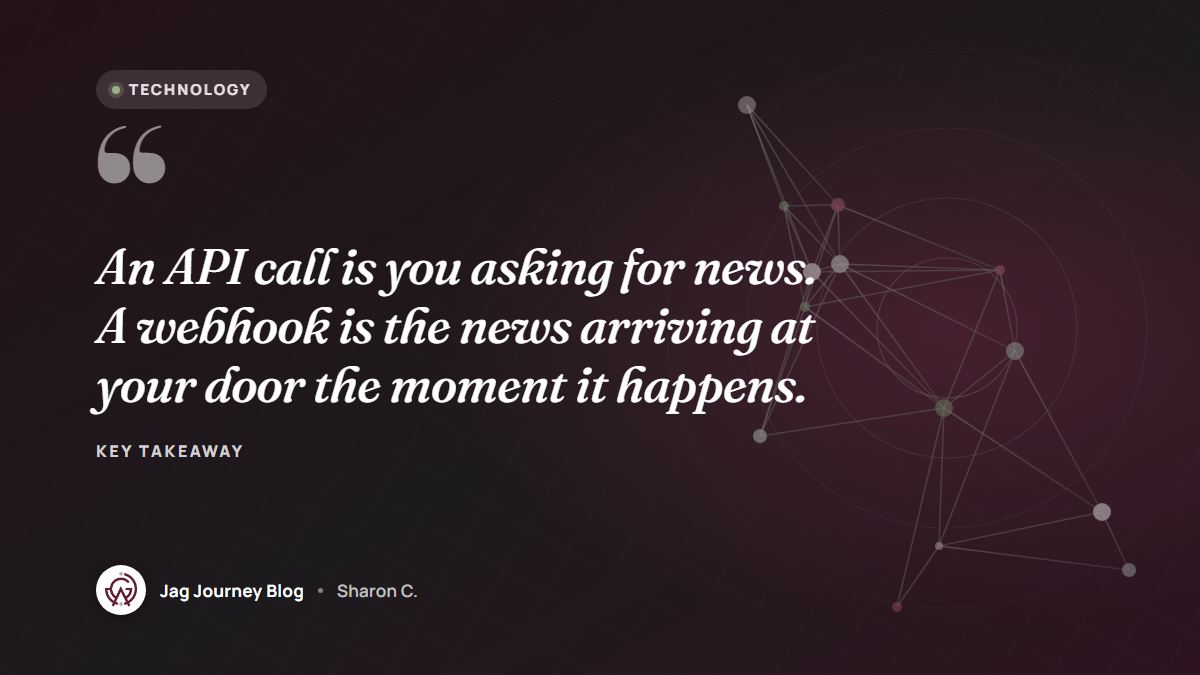
Imagine you are waiting for a package. You could walk to the mailbox every ten minutes to check. Or the delivery driver could ring your doorbell when it arrives.
- Polling is checking the mailbox. Your system repeatedly asks another system's API, "Anything new yet?" Most of the time, the answer is no.
- A webhook is the doorbell. The other system tells you the moment something happens.
Webhooks are faster and more efficient, because nobody asks pointless questions.
Where you already rely on webhooks #
- Payments: a payment processor notifies your store that a payment succeeded, failed or was refunded.
- Forms: a form service sends each new submission to a spreadsheet, customer database or automation tool.
- Email marketing: a new subscriber triggers a welcome sequence.
- Scheduling: a new booking notifies your team chat or adds a task.
- Software development: pushing code to a repository triggers automated tests and deployment.
What a webhook message contains #
A webhook is usually an HTTP request sent to your web address with:
- An event type, such as "invoice.paid" or "form.submitted."
- A payload, the details of the event, typically in JSON format.
- Headers, including information that helps you verify where it came from, such as a signature.
Receiving webhooks safely #
Your webhook address is a door that accepts messages from the internet. A few practices keep it safe.
Verify the signature #
Many services sign each webhook using a secret you share with them. Your receiving code recalculates the signature and rejects any message that does not match. This proves the message came from the real service and was not altered. Keep that signing secret out of your code, as described in our guide to keeping API keys out of your code.
Use HTTPS #
Only accept webhooks over encrypted connections.
Confirm important events #
For high-stakes events like payments, a careful approach is to confirm the event with the provider's API before acting on it, rather than trusting the message alone.
Making webhooks reliable #
Respond quickly, then do the work #
Senders usually expect a quick success response. Acknowledge the webhook right away, then handle slower work, like sending emails or generating files, in the background.
Expect retries and duplicates #
If your system does not respond in time, many senders retry. That means you may receive the same event more than once. Use the event's unique ID to make sure you process each event only once. Developers call this idempotency.
Do not assume order #
Events can arrive out of order. A "refunded" event might arrive before "paid" in rare cases. Design your handling to check the current state rather than assuming a sequence.
Log and monitor #
Record what you receive and whether processing succeeded. Set up alerts for failures so problems do not go unnoticed for weeks. Our guide to monitoring and maintaining automations covers this habit.
Testing webhooks #
Most services that send webhooks offer a way to send test events, and many show a delivery log listing each attempt, its response and any errors. Use these tools while you build. Start with a test or sandbox mode when the service has one, especially for payments, so you can try every event type without real money or real customers involved.
Webhooks without writing code #
You do not need to be a developer to use webhooks. Many no-code automation tools give you a webhook address you can paste into another service, then let you decide what happens next with menus instead of code. Our guide to no-code automation walks through the building blocks.
Frequently asked questions #
What is the difference between a webhook and an API? #
With a typical API request, your system asks another system for information. With a webhook, the other system sends information to you automatically when an event happens. Many services offer both.
Do I need my own server to receive webhooks? #
Not necessarily. Many automation platforms and hosted services can receive webhooks for you. If you build your own receiver, it needs a publicly reachable HTTPS address.
What happens if my system is down when a webhook is sent? #
Many providers retry failed deliveries for a period of time, and some let you view and resend past events. Check the provider's documentation for its retry rules.
Related Posts
App Permissions Explained: What to Allow and What to Deny
Every app asks for something: your location, your photos, your contacts. Learn what each permission really allows, how to choose the narrowest option, and how to review what you already granted.

Should Your Business Use an AI Chatbot for Customer Questions?
An AI chatbot can answer routine questions at midnight, or confidently give a customer the wrong refund policy. Here is how to decide if one fits your business and how to set it up responsibly.

Using an AI Coding Assistant Wisely When You Are New to Code
AI coding assistants can explain errors, suggest code and even run tasks for you. Here is how beginners can use them as tutors rather than crutches, and the safety habits that matter from day one.

The 3-2-1 Backup Rule Explained With a Small Office Plan
The 3-2-1 rule is the simplest reliable backup strategy: three copies, two kinds of storage, one offsite. Here is what it means and a practical plan a small office or household can set up this week.

What AI Agents Are and How Much Access to Give Them
AI agents do more than answer questions. They can browse websites, fill in forms, send messages and change files. Here is how they work and how to decide what to let them touch.
Comments (0)
Sign in or sign up to comment.
No comments yet. Be the first to share your thoughts!