What AI Agents Are and How Much Access to Give Them

For a while, AI tools mostly talked. You asked a question and got an answer, and you decided what to do with it. AI agents are different. They can take actions: open web pages, click buttons, fill in forms, read and send email, edit documents, run code and connect to other software.
That opens real possibilities for saving time. It also raises a question chatbots never did: what should this thing be allowed to touch?
Chatbot or agent? #
A chatbot produces text in response to your message. An agent is given a goal and a set of tools, then decides on a series of steps to reach that goal, checking results along the way.
For example, you might ask an agent to:
- Research three venues for a retreat and put their details in a spreadsheet.
- Find open times on your calendar and propose meeting slots.
- Sort your inbox and draft replies to routine messages.
- Update a website page or fix a bug in code.
The more tools an agent has, the more it can do, and the more it can do wrong.
Why access matters #
Agents inherit the limits of the language models that power them. They can misunderstand instructions, make confident mistakes and fill gaps with assumptions, as described in our explainer on how AI chatbots work. When a chatbot makes a mistake, you get a wrong answer. When an agent makes a mistake, it might send the wrong email, delete the wrong file or buy the wrong thing.
The risk most people have not heard of: prompt injection #
Agents read content from the outside world: web pages, emails, documents. That content can contain hidden instructions written to manipulate the agent, such as text on a web page telling it to forward your messages somewhere or ignore its original task. This is called prompt injection.
Agents are improving at resisting it, but no system is immune. That is the strongest reason to limit what an agent can access and to require your approval for important actions.
Six principles for safe agent access #
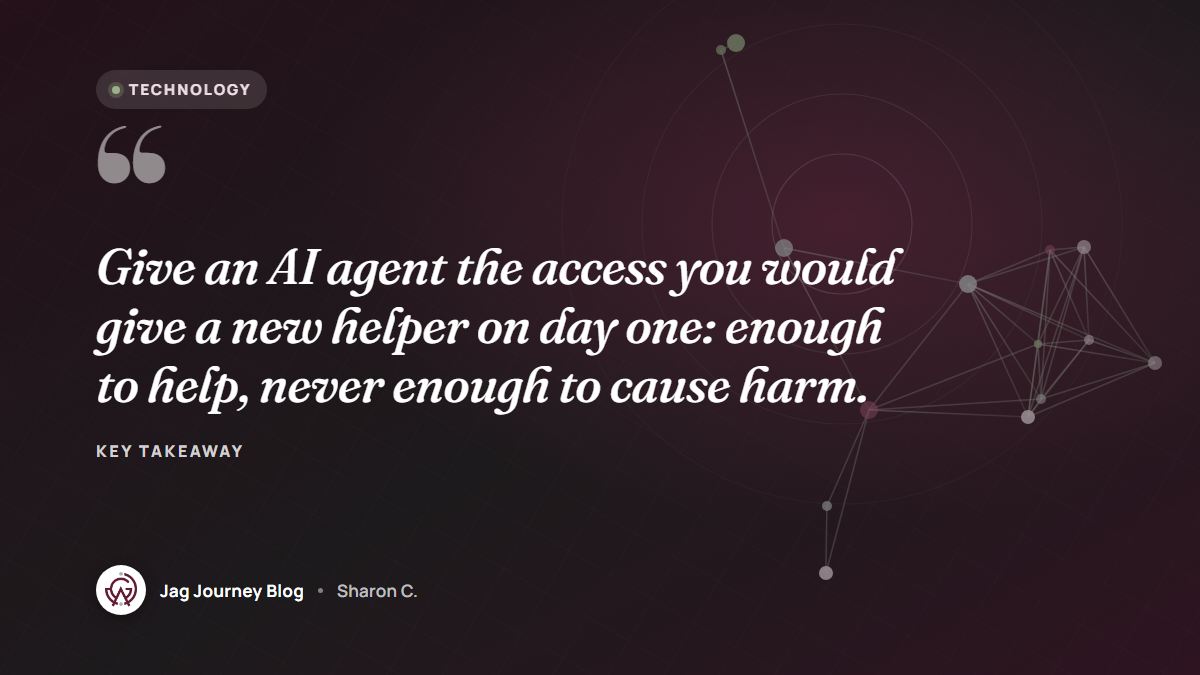
1. Start with the least access that works #
If the task only needs to read your calendar, do not grant permission to send email. Many tools let you choose narrow permissions when you connect accounts. Choose read-only when you can.
2. Require confirmation for actions that matter #
Configure agents to ask before they send messages, make payments, delete files, publish content, change account settings or make purchases. A quick approval step catches most serious mistakes.
3. Keep secrets and money out of reach #
Do not give agents your passwords, payment card details or banking access. If a task involves payment, have the agent prepare everything and complete the payment yourself. Our guide to what not to paste into an AI chatbot applies doubly to agents.
4. Use separate spaces where possible #
Let an agent work in a test folder, a draft document, a copy of a spreadsheet or a separate account rather than your live systems. For developers, that means a separate branch or a sandboxed environment.
5. Keep a record and review it #
Choose tools that show what the agent did, step by step. Review the log, especially early on, so you learn where it goes wrong.
6. Start with low-stakes tasks #
Research, drafting, summarizing and organizing are good first jobs. Work up to more consequential tasks only after you trust the results.
A simple autonomy ladder #
When deciding how much freedom to give an agent for a task, place it on a ladder:
- Suggest: the agent recommends; you do everything.
- Draft: the agent prepares work for your approval, such as replies you review and send.
- Act within limits: the agent acts on its own inside a narrow, reversible scope, such as filing emails into folders.
- Act broadly: the agent takes significant actions on its own. Reserve this for well-tested, low-risk situations, if at all.
Most small organizations will get excellent value from the first three rungs.
Questions to ask before adopting an agent tool #
- What exactly can it access, and can I narrow those permissions?
- Does it ask before sending, deleting, buying or publishing?
- Where are my data and its activity logs stored, and for how long?
- How does it handle instructions found inside web pages or documents?
- How do I disconnect it completely?
Write your answers into your team's AI use policy so everyone uses agents the same careful way.
Frequently asked questions #
Are AI agents safe to use? #
They can be useful and reasonably safe when you limit their access, require approval for important actions and start with low-risk tasks. Broad, unsupervised access to email, files or money carries real risk.
What is prompt injection? #
It is when text the agent reads, such as a web page or email, contains instructions designed to manipulate it. Limiting access and requiring confirmation for important actions reduces the harm it can cause.
Should I let an AI agent manage my email? #
Start with reading, sorting and drafting replies for your review rather than sending on its own. Grant sending permission only for narrow, routine cases you have tested.
Related Posts

Should Your Business Use an AI Chatbot for Customer Questions?
An AI chatbot can answer routine questions at midnight, or confidently give a customer the wrong refund policy. Here is how to decide if one fits your business and how to set it up responsibly.

AI Voice Cloning Scams: A Family Plan to Stay Safe
A panicked call sounds exactly like your grandson asking for bail money. Here is how AI voice cloning scams work and the family plan that defeats them: a code word, a callback and a pause.

Responsible Ways Nonprofits and Ministries Can Use AI
AI can give small nonprofit and ministry teams back hours each week. Here are practical uses that fit, the boundaries that protect donors and members, and how to keep the human heart of your work.

How AI Chatbots Work, Explained Without the Jargon
AI chatbots can feel like magic or like a search engine, but they are neither. Here is a plain-English explanation of how they learn, how they answer, and why that matters for trusting what they say.
What to Do When Your Email Account Gets Hacked
Strange sent messages or a password that suddenly fails? Work through these steps to take back your email, remove hidden forwarding rules and protect every account linked to it.
Comments (0)
Sign in or sign up to comment.
No comments yet. Be the first to share your thoughts!