Owned device access
Reach your own machines once the app, permissions, and network path are in place.
Your desktop, attached.
AttachDesk is fast, secure remote access for Windows, macOS, and Linux from Jag Journey. Reach the devices you own over encrypted sessions, with cross-platform control.
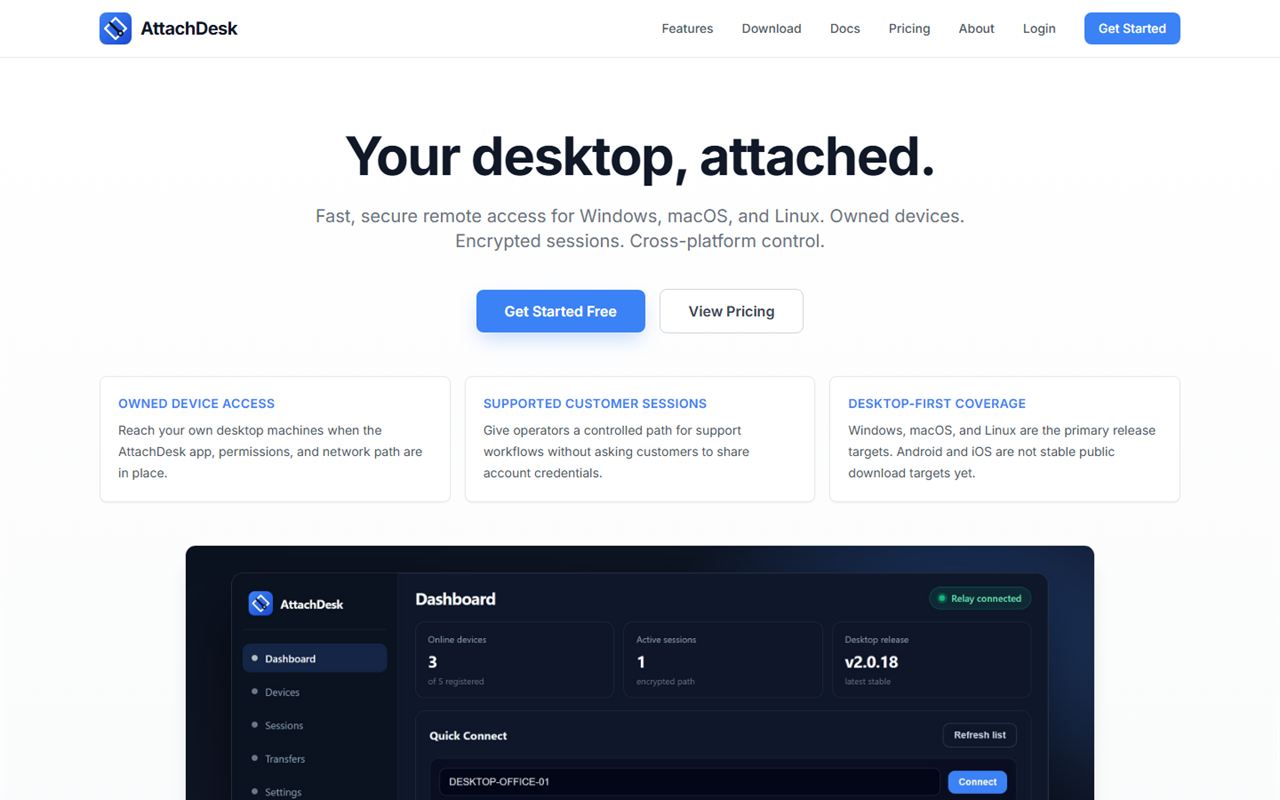
Cross-platform control for the machines you own, plus a controlled path for customer support.
Reach your own machines, support customers through a controlled path, and see how the service is running.
Reach your own machines once the app, permissions, and network path are in place.
Operators get a controlled path for support without asking customers to share account credentials.
Remote sessions are encrypted while you work on your devices from another machine.
Control across Windows, macOS, and Linux. Android and iOS are not stable public downloads yet.
Check relay, API, and updater health on a public status page.
App updates are published with signed update metadata.
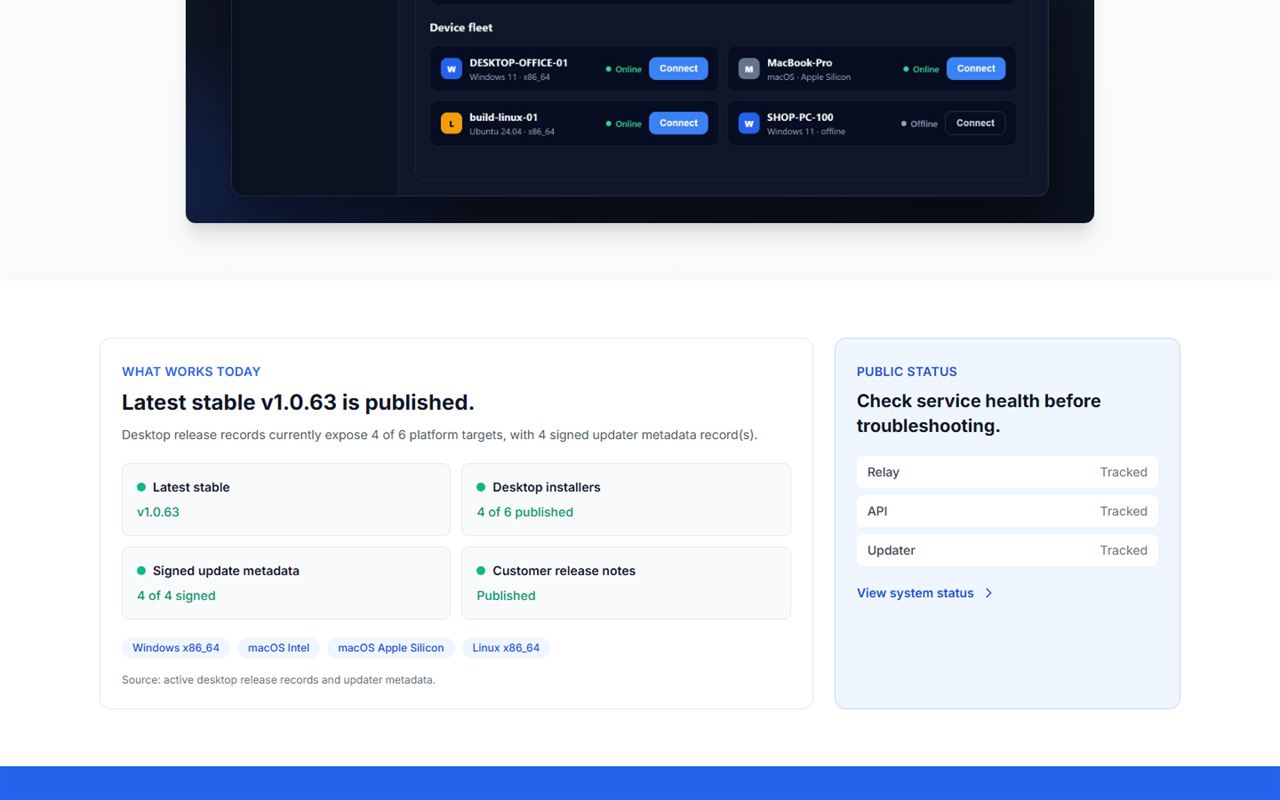
AttachDesk publishes the health of its relay, API, and updater, and signs its update metadata.
Three steps to reach the desktops you own.
Start on attachdesk.com at no cost.
Install the app on your Windows, macOS, or Linux machines and put the permissions and network path in place.
Open an encrypted session to your own device, or give a customer a controlled support session.
Get started free on the AttachDesk website, or reach out with a question for our team.