How AI Chatbots Work, Explained Without the Jargon

You type a question and a few seconds later a fluent, confident answer appears. It can feel like talking to an expert, or like a very smart search engine. Neither picture is quite right, and the difference explains both what these tools are great at and where they trip up.
This is a plain-language tour of what happens inside an AI chatbot. No math required.
The engine: a large language model #
Most AI chatbots are built on what is called a large language model. "Language model" means it is a system that has learned patterns in language. "Large" refers to the enormous amount of text it learned from and the size of the model itself.
The model's core skill is surprisingly simple to describe: given some text, predict what text is likely to come next. Everything else builds on that.
Step 1: Learning from huge amounts of text #
During training, the model is shown an immense collection of text, such as books, articles, websites and code. Over and over, it practices predicting the next small piece of text, and its internal settings are adjusted each time it gets closer to the right answer.
Those small pieces are called tokens. A token might be a whole short word, part of a longer word or a punctuation mark. After enough practice, the model becomes remarkably good at capturing grammar, facts that appear often in its training data, styles of writing and patterns of reasoning that show up in text.
Step 2: Learning to be a helpful assistant #
A model trained only to predict text would simply continue whatever you typed. To turn it into an assistant, developers train it further on examples of good conversations and use feedback from people who rate responses. This teaches it to follow instructions, answer questions, decline harmful requests and adopt a helpful tone.
Step 3: Answering you, one piece at a time #
When you send a message, the model reads your words along with the conversation so far and generates a response one token at a time, each chosen based on everything before it. There is usually a little built-in randomness, which is why asking the same question twice can produce different wording.
This is why chatbots sound so fluent. Producing natural, well-organized language is exactly what they were trained to do.
What the chatbot can "see": the context window #
A chatbot can only work with a limited amount of text at once, called its context window. That includes your current conversation, any documents you shared and instructions from the developer. In very long conversations, early details may receive less attention or fall outside what the model is considering. Some products add memory features that save notes between conversations, which is a separate system layered on top.
Training has a cutoff date #
A model's built-in knowledge comes from data collected up to a certain point. It does not automatically know about events after that, and it may not know what it does not know. Ask about something recent and it might give an outdated answer with full confidence.
Connected tools change the picture #
Many chatbots can now use tools: searching the web, reading files you upload, checking a company's help articles or running calculations. When a chatbot pulls in real sources before answering, sometimes called grounding or retrieval, answers tend to be more current and can include links you can check. It still helps to click those links, because the model can misread or misquote a source.
Why chatbots sometimes make things up #
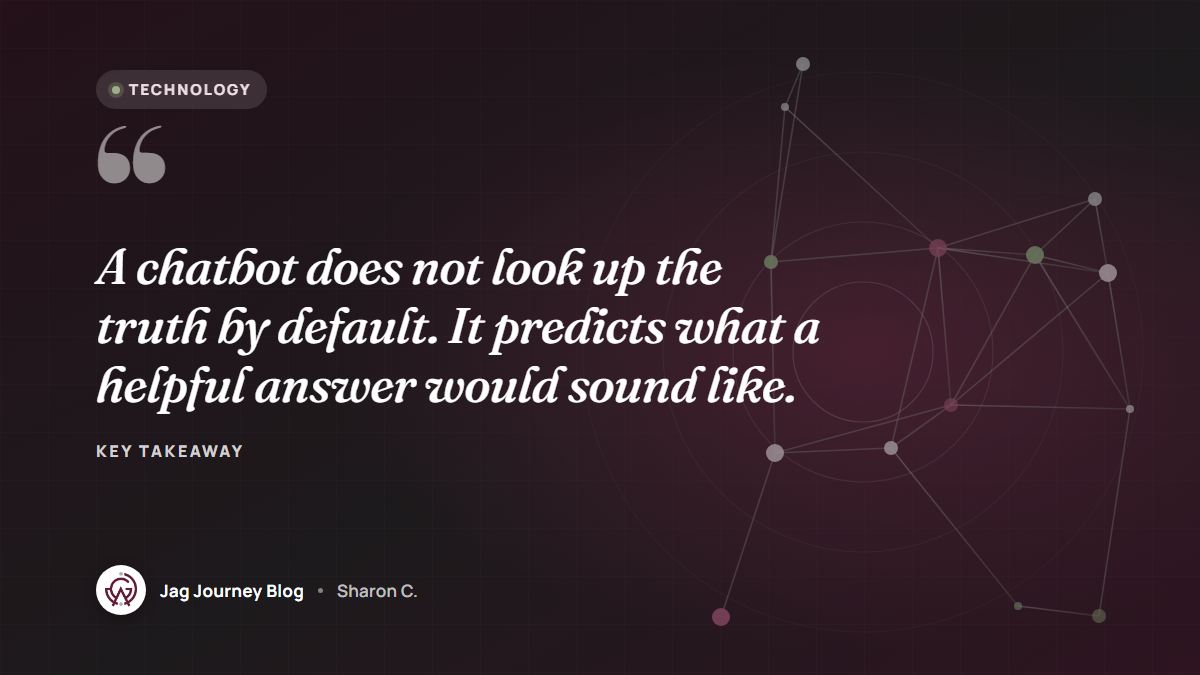
The model was trained to produce text that fits, not to check whether every statement is true. When it lacks information, it can fill the gap with something that sounds right: a plausible statistic, a realistic but invented quote, a book that does not exist. People often call these hallucinations. They are not deliberate lies; they are the prediction engine doing its job without the facts it needed.
What this means for you #
Chatbots are excellent at:
- Drafting and rewriting text in different tones and lengths.
- Summarizing long material you provide.
- Brainstorming ideas, outlines and options.
- Explaining concepts in simpler language.
- Reformatting information, such as turning notes into a checklist.
Be careful with:
- Specific facts, numbers, dates and quotes.
- Current events and recent changes.
- Legal, medical, tax and financial questions, where a professional should be involved.
- Anything you will publish or rely on without checking.
To get better results, give clear instructions, as described in our guide to writing better AI prompts. Before publishing anything, follow a review process like the one in how to fact-check AI-written content. And keep sensitive information out of the chat box, as covered in what not to paste into an AI chatbot.
Frequently asked questions #
Does an AI chatbot understand what I am saying? #
It processes language in a way that captures meaning well enough to respond helpfully, but it does not understand the world the way a person does. Treat it as a powerful writing and reasoning aid, not as a source of judgment or truth.
Does the chatbot learn from my conversations? #
It depends on the product and your settings. Some services may use conversations to improve their models unless you opt out, while many business plans do not by default. Check the data settings and terms of the tool you use.
Why do I get different answers to the same question? #
Chatbots usually include some randomness when choosing each piece of text, so wording and sometimes content can vary between attempts. For important questions, compare answers against reliable sources.
Related Posts
Should Your Business Use an AI Chatbot for Customer Questions?
An AI chatbot can answer routine questions at midnight, or confidently give a customer the wrong refund policy. Here is how to decide if one fits your business and how to set it up responsibly.

What AI Agents Are and How Much Access to Give Them
AI agents do more than answer questions. They can browse websites, fill in forms, send messages and change files. Here is how they work and how to decide what to let them touch.

AI Voice Cloning Scams: A Family Plan to Stay Safe
A panicked call sounds exactly like your grandson asking for bail money. Here is how AI voice cloning scams work and the family plan that defeats them: a code word, a callback and a pause.

The 3-2-1 Backup Rule Explained With a Small Office Plan
The 3-2-1 rule is the simplest reliable backup strategy: three copies, two kinds of storage, one offsite. Here is what it means and a practical plan a small office or household can set up this week.

How to Accept Online Payments: Options for Small Businesses Explained
From payment links and invoices to website checkout and subscriptions, there are several ways to get paid online. Learn how each works, what to compare, and how payments connect to your books.
Comments (0)
Sign in or sign up to comment.
No comments yet. Be the first to share your thoughts!