What VoVo Does for a Small Business, Church or Ministry
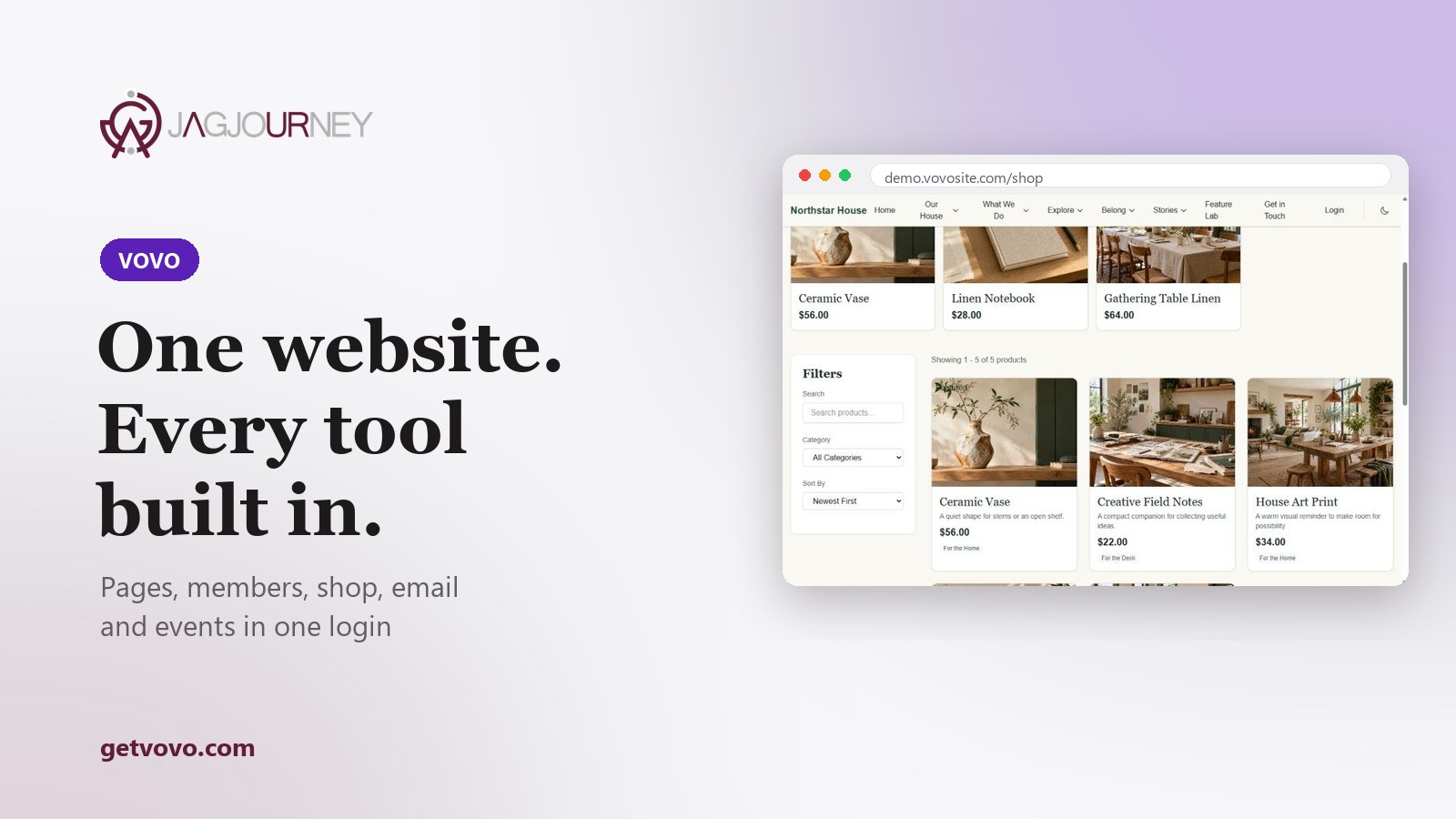
One website, with the business tools built in
Every Monday, Wednesday and Friday this year, we walk through one of our products. We start with VoVo.
Welcome to the first post in a year-long series. Every Monday, Wednesday and Friday, we are going to walk through one of the products we build at Jag Journey: what it does, how we built it and what it means for the people who use it. We are starting with the one that does the most heavy lifting, VoVo.
VoVo is an all-in-one website and business platform. In plain words, it is your website plus the work that happens behind your website, in one account with one login. Your pages, members, shop, email, courses, events and help desk all live in the same place, and they know about each other.
That last part matters more than it sounds. If you have ever copied a list of names out of one tool and into another so you could email people about an event you set up in a third tool, you already know why.
What you actually get #
VoVo is made of modules you turn on as you need them, and every module shares your people, your content and your customers. These are the ones small organizations lean on most:
Website builder. A drag-and-drop visual editor for pages, menus and the design of your whole site.
Membership. Tiers, trials, renewals, checkout and a member portal, in the same account as your site.
Shop. Products, services and digital downloads without adding another platform.
Email marketing. Campaigns, automation, templates and analytics that already know who your members are.
Courses. Lessons, quizzes, certificates and progress tracking for the people you teach.
Events. Event pages, registration, ticket types and check-in at the door.
There is more: a help desk with a knowledge base, community forums, forms, an accounting workspace, a Video Studio for recordings, podcasts and live broadcasts, and a Book Studio for guides, workbooks and stories. You do not have to use all of it on day one. Most people should not. Turn on what you need this month and leave the rest for later.

For a small business #
Picture a small shop or studio. The website shows what you sell. The shop takes the order. The customer is already in your records because they bought something, not because someone exported a spreadsheet at nine on a Friday night. When they register for a workshop, that lands in the same place. When they have a question, the help desk is right there too.
The win is not one flashy feature. It is the hour a week you stop spending moving information between tools that refuse to talk to each other.
For a church or ministry #
A church should not need one product for the public site, another for members, another for events and a fourth for giving. VoVo keeps pages and sermons, membership tiers and the member portal, event registration, classes and email on the same people list. Staff work from one admin panel instead of a plugin list a volunteer set up years ago that nobody dares touch.
Each church site keeps its own look and brand, too. VoVo is the platform behind the site, not a costume your congregation has to wear.
For ministry teams made mostly of volunteers, one login is a quiet kindness. Fewer passwords to hand over when someone steps down. Fewer places for an important detail to fall through the cracks between Sunday morning and Wednesday night.

Start where you are
Build a new site with the visual builder, or bring an existing one over from WordPress, Wix or Webflow. Then turn on modules as you grow.
How you start #
Getting going takes three steps, one login and nothing to stitch together:
Create your account. Pick a plan from Get Started on getvovo.com.
Build or bring your site. Design with the visual builder, or import from WordPress, Wix or Webflow, with every image, font and file hosted for you.
Turn on what you need. Add memberships, a shop, courses, events, email and a help desk as you grow.
If writing is the part you dread, JagAI is built in. It drafts the words a small organization runs on: page copy, blog posts, email campaigns, course materials, help desk replies and product descriptions. It comes in three speeds, Spark, Nova and Apex, and you only spend credits when it writes something for you. Think of it as a helpful first draft, not the final word. Your voice still belongs on your site.
Run it from your phone #
The VoVo: Website Builder app is free on the App Store and Google Play. Sign in with your VoVo account to edit your pages, share your site, answer orders, bookings and messages, and scan tickets at the door. It earns its keep at the event table, when someone asks whether there are still seats left and you can actually answer.
What VoVo does not do #
We would rather tell you now than have you find out later. The accounting workspace keeps your books, but VoVo does not calculate payroll tax or file taxes for you. JagAI, the writing help built into VoVo, runs on credits you buy separately from your plan, and you review every draft before anything goes out. The VoVo platform as a whole is in beta, so we are still sanding edges, and we listen closely to the people using it.
Why we built it this way #
Faith shapes why we build, and care shapes how. Most of the organizations we know are run by a handful of people doing the work of a dozen. If one platform can hand them back a few hours a week, that is time for customers, for congregations and for home. We think that is worth building.
Want to see it? Visit getvovo.com, look around the public demo site, or read our VoVo product page. Have a question first? Our contact page reaches our team. On Wednesday, we turn to Pay by Jag.
Jag Journey, LLC
The team behind Swift Warning, VoVo and the rest of the Jag Journey family of apps.
Related Posts
What a Church or Nonprofit Website Needs on Day One
Visitors to a church or nonprofit website usually want a few simple answers fast. Here are the essentials to put first, from service times and location to giving, volunteering and accessibility.
The 3-2-1 Backup Rule Explained With a Small Office Plan
The 3-2-1 rule is the simplest reliable backup strategy: three copies, two kinds of storage, one offsite. Here is what it means and a practical plan a small office or household can set up this week.
Should Your Business Use an AI Chatbot for Customer Questions?
An AI chatbot can answer routine questions at midnight, or confidently give a customer the wrong refund policy. Here is how to decide if one fits your business and how to set it up responsibly.

Using AI-Generated Images in Your Business: Rights, Disclosure and Quality
AI image tools can produce a blog header or social graphic in seconds. Before you use one commercially, understand the ownership questions, the rules of the tool, and the checks that keep you honest.
Responsible Ways Nonprofits and Ministries Can Use AI
AI can give small nonprofit and ministry teams back hours each week. Here are practical uses that fit, the boundaries that protect donors and members, and how to keep the human heart of your work.
Comments (0)
Sign in or sign up to comment.
No comments yet. Be the first to share your thoughts!