Looking at Production Without Touching It
Logs, dashboards and test environments answer most questions about a software problem. Occasionally they do not. A bug only happens with one customer's real data, or a setting behaves differently on the live server than anywhere else. In those moments the fastest path to understanding is to look at production directly.
Looking is allowed. Changing is not. That line is one of the most important habits on our team.
Why read-only matters #
A live server is shared by every customer at once. A mistaken command there does not affect a test account; it affects real organizations, their members and their money. Even a harmless-looking action, like clearing a cache or restarting a worker, can interrupt work in progress for people we cannot see.
Changes made by hand on a server also vanish from the record. They are not in the source history, they are not reviewed and the next release can silently undo them. So when we connect to production, we treat it like a museum: look closely, touch nothing.
What read-only inspection looks like #
The kinds of checks we run on a live system are narrow and observational:
- Reading recent application logs around the time of a reported problem
- Checking which version of the code is currently released
- Confirming a configuration value or feature switch is set as expected
- Counting or reading specific records to understand a customer's situation
- Running a syntax check or a dry run that converts data in memory without saving it
A dry run deserves special mention. When we prepare a change that will transform content, we sometimes run the conversion against real data in memory and print a summary, without writing anything. It tells us whether the change will behave before it ships, with no risk to the data itself.
Keeping secrets out of the output #
Production holds private values: database passwords, service keys, session data and customer details. Our diagnostic habits are designed so those never land in a terminal history, a chat message or a log. We query for the specific facts we need rather than dumping whole configuration files, and we avoid printing anything that looks like a credential.
When a diagnosis requires a person's private data, we look only at what the problem requires, and we do not copy it elsewhere.
Then fix it the proper way #
Once we understand the problem, the fix follows the same path as any other change: write it, review it and release it through the pipeline. If the fix needs to change data, it is written as a migration that checks its assumptions before it runs, so the correction is recorded and repeatable.
This can feel slower in an emergency. In practice the difference is a few minutes, and in exchange the fix is permanent, visible and safe.
Write down what you found #
A diagnosis that lives only in one person's memory is easy to lose. When we inspect production, we record what we checked, what we found and what it means in the handoff notes for that piece of work. The next person, or the next assistant session, can pick up from there without repeating the investigation or, worse, repeating it carelessly.
Limits on who can connect #
Access to production is limited to the people and tools that need it, uses keys rather than shared passwords and is not used for routine deployment at all. Deployment happens only through the pipeline, so the server connection is reserved for diagnosis.
A habit that scales #
As our platform has grown, this habit has only become more valuable. More customers means more risk from any careless action, and more contributors means more need for a shared rule. "Look, then fix through the pipeline" is easy to teach, easy to follow and easy to check.
If you want to see the products this discipline protects, visit our Technology & Impact page.
Frequently asked questions #
What is a read-only diagnostic? #
It is an inspection of a live system, such as reading logs or checking a setting, that does not change any data, configuration or running process.
Why not restart a service when it seems stuck? #
Restarts can interrupt work in progress for many customers. We first understand the cause, then fix it through a release, and only use operational steps that are part of the approved release process.
How do you test a data change against real data safely? #
We run the conversion in memory against the live records and print a summary without saving anything. That shows how the change will behave before it is released through the pipeline.
Related Posts
Why Every Change We Ship Goes Through One Pipeline
We never deploy by logging into a server and running commands. Every change travels through the same automated pipeline. Here is why that discipline matters.
Fast Runs and Full Runs: Choosing the Right Pipeline for a Change
Not every change needs the full test suite, and every change needs the safety gates. Here is how we let each push choose a fast or full pipeline without skipping what matters.
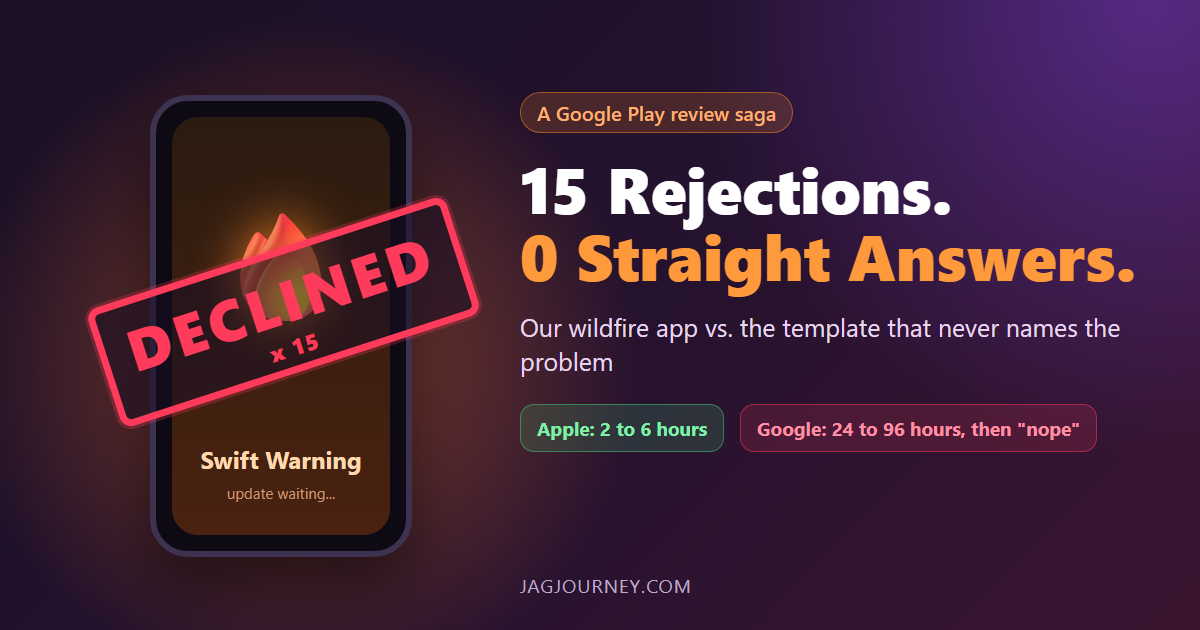
Fifteen Google Play Rejections and Not One Straight Answer
Apple approves our wildfire app Swift Warning in 2 to 6 hours. Google Play takes 24 to 96 hours, then declines it, 15 times since August, mostly without naming the problem. A funny, factual look at the loop and the safety updates it holds back.
Every AI Call Is Registered Before It Runs
AI features cost money and touch customer data, so we keep a registry of every one. Here is how a call that is not on the list is refused before anything is spent.
Audit Trails: Recording Who Changed What
When something changes unexpectedly, the first question is who changed it and when. Here is how audit trails answer that question without becoming a privacy problem.
Comments (0)
Sign in or sign up to comment.
No comments yet. Be the first to share your thoughts!