Do You Need a Mobile App or a Mobile-Friendly Website?
"We need an app" is one of the most common requests a small business, church or nonprofit makes when it thinks about technology. Sometimes it is exactly right. Often, what people really need is a website that works beautifully on a phone.
The difference matters because apps are a bigger, longer commitment than most people expect. Here is a practical way to decide.
Start with the job, not the format #
Before choosing, write down what people will actually do on their phones:
- Find your hours, location and contact information?
- Read articles, watch videos or listen to sermons?
- Book an appointment, register for an event or make a donation?
- Use something every day, such as tracking a habit, checking in to a class or receiving time-sensitive alerts?
- Use the phone's hardware, like the camera, Bluetooth accessories or background location?
The first three are usually website jobs. The last two can point toward an app.
What a mobile-friendly website does well #
A responsive website adjusts its layout to fit any screen. It has real advantages:
- Reach. People find websites through search, links, social posts and QR codes, with nothing to install.
- One thing to maintain. A single site serves phones, tablets and computers.
- Instant updates. Changes are live immediately, with no app store review.
- Lower cost to build and maintain than separate apps for each phone platform.
For most organizations, a fast, readable, mobile-friendly website covers the majority of what visitors need.
What native apps do well #
Native apps, installed from the App Store or Google Play, shine in specific situations:
- Frequent, repeat use, where having an icon on the home screen and staying signed in really matters.
- Rich device features, such as background location, Bluetooth devices, advanced camera functions or deep integration with the phone.
- Offline use, where the app must work without a connection.
- Reliable notifications for time-sensitive information.
If your idea depends on several of these, an app may be worth it.
The middle option: progressive web apps #
A progressive web app (PWA) is a website built so it can be added to a phone's home screen, open like an app and work partly offline. On Android, and on iPhone for web apps added to the home screen, PWAs can also send notifications. They cannot do everything a native app can, but they cover more ground than many people realize, without app store review or separate builds for each platform.
The hidden costs of an app #
An app is not a one-time project. Budget time and money for:
- Two platforms. iPhone and Android usually need separate builds or a cross-platform toolkit, plus testing on both.
- Store review and policies. Each update goes through review, and store rules change.
- Constant updates. New phone operating system versions arrive every year and can break features.
- Privacy disclosures. Both app stores require you to describe what data your app collects.
- Getting people to install it. Many people are reluctant to download another app, especially for something they use occasionally.
A few questions to decide #
- Will most people use this weekly or more?
- Does it need features a website cannot offer, like background location or Bluetooth?
- Do you have the budget and people to maintain it for years, not months?
- Would a better mobile website solve the problem faster?
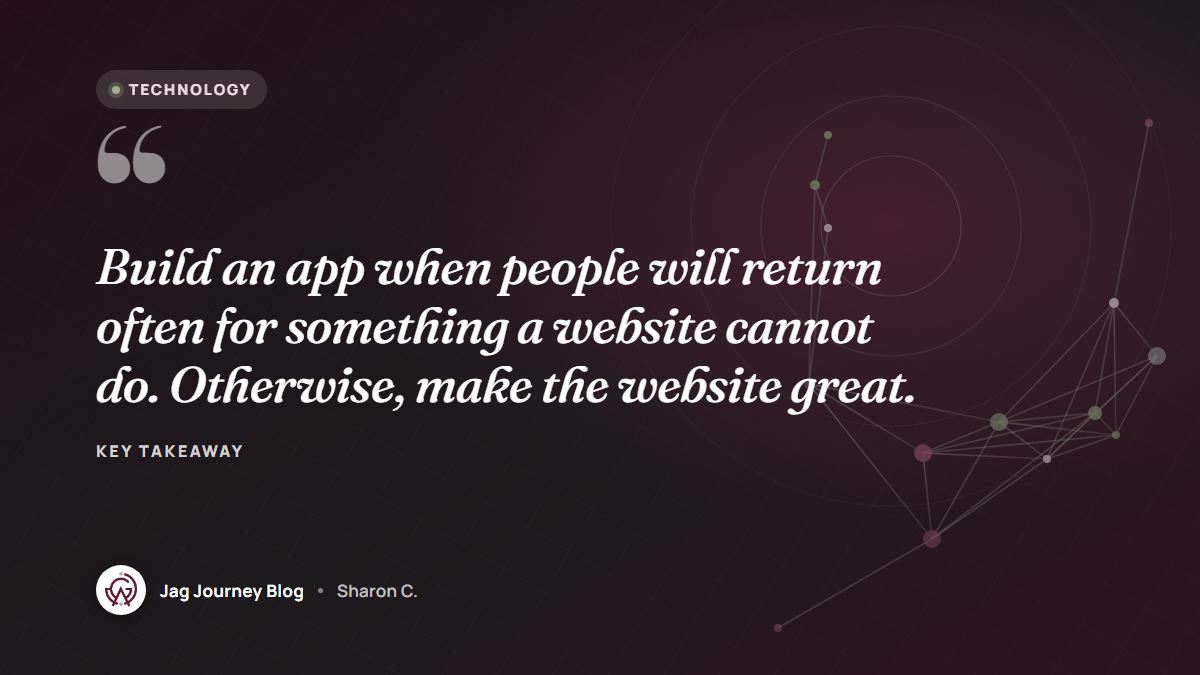
If you answered "no" to the first two, start with the website. You can always build an app later, once you know exactly what people use most.
Two illustrations #
Imagine a small church that wants an app for sermons, events and giving. A well-built mobile website with clear navigation, a podcast feed for sermons and a simple online giving page will likely serve its members better, because everything is one tap away from a text message or social post.
Now imagine a fitness studio whose members check in to classes several times a week, track progress and get reminders. Regular use and phone features make a strong case for an app.
Check your current website on a phone #
Before deciding anything, look at your existing site on a few real phones. Can you read it without zooming? Do buttons work easily with a thumb? Does it load quickly on a mobile connection? Tools like the Lighthouse report built into Chrome's developer tools can point out speed and usability problems.
If you are weighing an app or website for your organization, tell us about your project. You can also browse what we build on our technology and impact page.
Frequently asked questions #
Is an app better for search engines? #
No. Search engines index websites, so a strong mobile-friendly site is what helps people find you through search. App store listings are a separate kind of discovery.
Can a website send notifications like an app? #
Websites can request permission to send browser notifications, and progressive web apps added to a phone's home screen can send them on modern iPhone and Android devices. Use them sparingly so people do not turn them off.
How much does it cost to maintain an app? #
It varies widely with complexity, but every app needs ongoing updates for new phone software, security fixes and store requirements. Plan for maintenance as a continuing cost, not a one-time expense.
Related Posts
What a Church or Nonprofit Website Needs on Day One
Visitors to a church or nonprofit website usually want a few simple answers fast. Here are the essentials to put first, from service times and location to giving, volunteering and accessibility.
App Permissions Explained: What to Allow and What to Deny
Every app asks for something: your location, your photos, your contacts. Learn what each permission really allows, how to choose the narrowest option, and how to review what you already granted.

How to Choose a Password Manager: Cloud Sync or Local Vault
A password manager is the single best security upgrade most people can make. Here is how cloud and local vaults differ and what to check before you trust one with everything.

Color Contrast and Readable Text: Simple Rules for Accessible Design
Light gray text on a white background might look elegant, but many people cannot read it. Learn the contrast ratios that matter, how to check your colors and the type choices that make text comfortable.
Cookie Banners and Consent: What Website Owners Should Understand
Cookie banners are everywhere, and many are confusing or misleading. Learn what cookies actually do, when consent may be required, and how to design a banner that is honest and easy to use.
Comments (0)
Sign in or sign up to comment.
No comments yet. Be the first to share your thoughts!