Critical PHP Fixes Land Oct. 22: A Calm, Caffeinated Guide
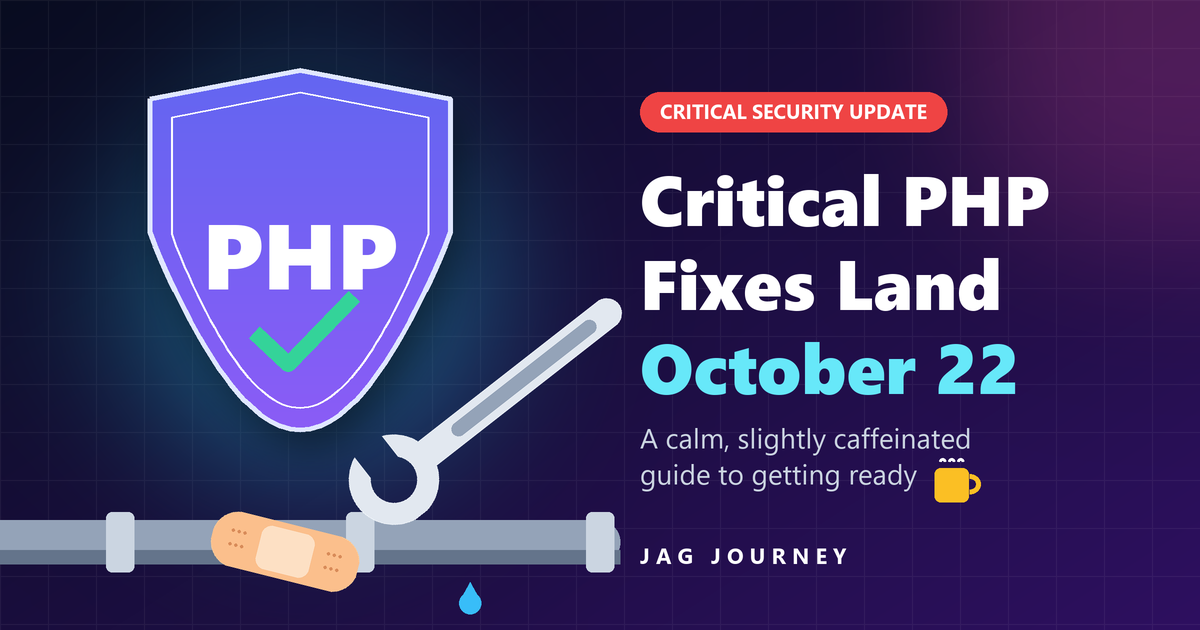
If your website were a house, PHP would be the plumbing. Nobody thinks about it until something leaks. Then everyone has opinions. This week the PHP project gave the world a polite heads up. A leak has been found, and the plumber comes Thursday.
Here is the short version. Two serious bugs in PHP get fixed on October 22. Most sites need nothing more than a normal update. The rest of this post explains what is going on, what we did, and how you can get ready in an afternoon. There will be a few jokes. You have been warned.
What is happening #
The PHP project plans to ship security updates on Thursday, October 22, 2026. They fix two flaws that the project rates as Critical. That is the top of the scale. It is the security world's way of saying "please do not put this on next month's to-do list."
Hosting control panel makers, including cPanel, have warned their customers too. They say the flaws live in PHP itself, not in the panels. They also say that PHP versions going back as far as PHP 5 are affected. If your server is old enough to remember PHP 5, it needs this update even more.
The full details are not public yet. That is normal, and it is a good thing. Projects share the details at the same time as the fix, so attackers do not get a head start. Think of a magician who will not explain the trick until the rabbit is safely back in the hat.
Why this matters to almost everyone #
PHP runs a huge share of the web. It powers WordPress, Laravel apps, online stores, member sites and most shared hosting. If your site has a login page, a contact form or a shopping cart, PHP is likely doing the work behind the curtain.
So yes, this probably affects you. No, you do not need to panic. You need a plan, and the plan is short.
What we have already done at Jag Journey #
We updated early. We installed the newest PHP builds on every server we manage. Then we checked that our sites came back up just as they were.
We put patching on fast forward. Automatic security updates were already on. Until the end of October, our servers also look for new PHP builds every hour. The fix will go in within an hour of its release.
We kept the guards at the door. Firewall protection for web traffic is active on our servers and at the network edge. It filters the shady traffic that likes to show up right after big security news.
We checked every site's PHP version. We found one older site on a PHP version that no longer gets fixes. We are planning its move to a supported one. It has been told, gently.
We planned the follow-up. Once the patched PHP is in, we will test every site again and update this post.
Your seven-step game plan #
1. Find out which PHP version you run #
You cannot patch what you cannot see. In WordPress, go to Tools, then Site Health, then the Info tab. Open the Server section. In cPanel, open MultiPHP Manager. Not sure where to look? Ask your host. It is a quick question, and good hosts are glad to answer it.
2. Make sure updates can reach your server #
If you run your own cPanel server, open Update Preferences in WHM. Make sure updates are not set to Never, and are not pinned to an old version. On any other Linux server, check that security updates from your vendor are turned on. If you build Docker images, plan to rebuild them on the new official PHP images once they are out. An update that cannot reach your server is just a well written rumor.
3. Move off old PHP versions #
PHP 7.x, 8.0 and 8.1 no longer get security fixes from the PHP project. PHP 8.2 gets them only until December 31, 2026. Running an old version is like hiding the spare key under the mat and hoping no one has ever seen a mat. Plan a move to PHP 8.3 or 8.4. Try it on a test copy of your site first, then flip the switch on the real one.
4. Take a fresh backup, and test it #
A backup you have never restored is a hope, not a backup. Make a fresh one before patch day. Then make sure you know how to bring it back. Bonus points if you actually try it. Keep at least one copy somewhere other than the server itself. A backup that lives on the same server can vanish right along with it.
5. Shrink what an attacker can reach #
Keep a web firewall turned on. ModSecurity with the OWASP Core Rule Set works well, and so do the managed rules from most CDNs.
Remove PHP versions, plugins, themes and files you no longer use. That old phpinfo test page from 2019 is not a family heirloom.
On live sites, keep display_errors, expose_php and allow_url_include turned off.
Update WordPress, your plugins and your themes. Retire anything that is no longer maintained.
6. On patch day, install, confirm and click around #
Install the update. Then confirm the new version with php -v on the server, or on your host's PHP version screen. Restart PHP-FPM if your host does not do it for you. Then click through your key pages: the home page, the login, the checkout and the contact form. Ten minutes of clicking beats a weekend of surprises.
7. Trust official sources only #
Get updates from php.net, your server vendor, your control panel vendor or your host. Big security news draws scammers the way a picnic draws ants. If an email urges you to download an urgent "PHP patch" from a link, it is not a patch. It is bait.
How to check your PHP version in 30 seconds #
There are a few quick ways to see what you run. Pick the one that fits you.
WordPress: go to Tools, then Site Health, then Info, then Server. The PHP version is near the top.
cPanel: open MultiPHP Manager. Each domain lists its PHP version.
Command line: type php -v and press Enter. The command line and your website can use different versions, so check both.
Your host: send a short note and ask. It costs nothing and takes them a minute.
One tip: do not leave a public phpinfo page on your site to check this. It tells the whole world how your server is set up. Attackers love a good map.
What patch day will look like #
Security fixes move in a chain. Knowing the chain helps you know when to act.
First, the PHP project publishes the new versions and the details.
Next, vendors such as cPanel and the Linux distributions build their own packages. This can take a few hours to a day.
Then your host or your server installs those packages. With automatic updates on, this happens on its own.
Last, you check that your site still works. This is the part where you click around and feel good about yourself.
If you manage your own server, watch for that second step. That is your cue to update. And do not worry if your host takes a little while. A careful host tests new packages before it rolls them out, and a few hours of care beats a rushed update that breaks your site.
A note for developers and app builders #
If you write or run custom PHP apps, there are a few extra things to check.
Rebuild container images once the new official PHP images are out. An old image keeps the old bug, no matter how nice your code is.
Check your build and test pipelines. They often pin a PHP version and then quietly forget about it.
Run your tests on the new version before you deploy it. Point releases rarely break code, but rarely is not never.
Keep your Composer packages current too. A patched PHP will not fix a hole in a library.
A tiny glossary for the rest of us #
Critical: the highest rating for a security flaw. Fix it soon.
End of life: a version that no longer gets fixes. It still runs. It just stops getting help.
Patch: an update that fixes a flaw. Think bandage, but for code.
PHP-FPM: the part of the server that runs PHP for your website. It may need a restart after an update.
Web firewall: a filter that blocks known bad requests before they reach your site.
Staging site: a private copy of your site where you can test changes without breaking the real one.
If we host your site #
Put the kettle on. You do not need to do a thing. We will apply the fix as soon as it is out, and we will check your site afterward. If you have questions, reach out through our contact page. We are glad to help.
The bottom line #
"Critical" sounds scary, and it should get your attention. But this is the system working the way it should. The flaws were found. The PHP project fixed them. Vendors warned everyone ahead of time. Check your version, keep updates flowing, take a backup and let the patch do its job. We will update this post once the fixes are out.
Stay safe, and maybe go thank a plumber.
Sharon
Jag Journey, LLC
Related Posts
The 3-2-1 Backup Rule Explained With a Small Office Plan
The 3-2-1 rule is the simplest reliable backup strategy: three copies, two kinds of storage, one offsite. Here is what it means and a practical plan a small office or household can set up this week.
Responsible Ways Nonprofits and Ministries Can Use AI
AI can give small nonprofit and ministry teams back hours each week. Here are practical uses that fit, the boundaries that protect donors and members, and how to keep the human heart of your work.
How to Write an AI Use Policy for a Small Team
Your team is probably already using AI tools. A short, clear policy helps them do it well: which tools are approved, what information stays out, when a human must review, and when to disclose.
Why Your Emails Land in Spam and How to Fix It
When customers say your emails went to spam, the cause is usually fixable. Work through this checklist of authentication, list quality, content, sending habits and reputation to find out why.
How to Make Sure Emergency Alerts Reach Your Phone
Wireless emergency alerts can save precious minutes, but only if your phone is set up to receive them. Here is how to check your settings, sign up for local alerts and build reliable backups.
Comments (0)
No comments yet. Be the first to share your thoughts!